




Whenever your Jellyfin or Plex stream buffers, you blame the network. To fix that, run an Ethernet cable from your home server to the router (or a network switch, if you have one). Wiring your media server with an Ethernet cable is the right call. Most people justify it for the wrong reasons.
Speed is a go-to argument, and it’s largely a dead end. The Wi-Fi 6 network easily handles 4K Jellyfin content and large local file transfers without breaking a sweat. The real case for running cables comes down to reliability, consistent latency, and network manageability — none of which show up in a speed test. Ethernet cables are about protecting your home server from network hiccups, not chasing throughput numbers.

Related
I ran my home server on Wi-Fi for a year, and learned when Ethernet actually matters
Wired connections might be ‚best‘ but sometimes just enough is fine
Let’s address the speed argument first
Stop beating a dead horse
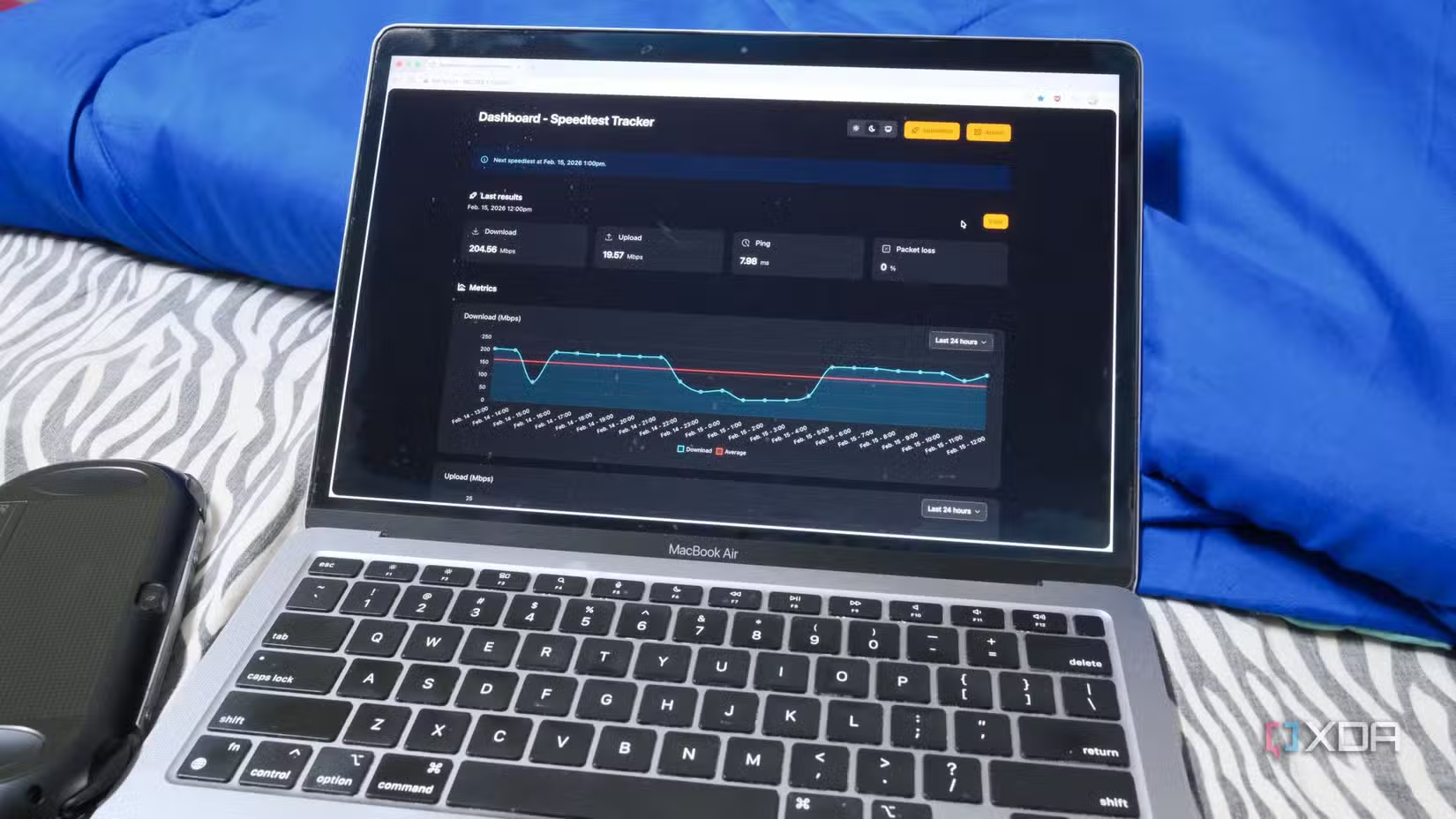
Raw speed is rarely a bottleneck in a typical home server setup. A 4K HDR Remux is the most bandwidth-hungry file a Jellyfin or Plex server can ever push, and it tops out at around 80 Mbps. Theoretically, Wi-Fi 5 can reach 3.5 Gbps. Even if you consider real-world overheads, interference, and distance from your router, you’re still far from saturating the connection with a single stream.
The same applies to NAS boxes. Transferring files to a single client is well within Wi-Fi 6’s comfort zone without hiccups. The throughput numbers matter only if you are moving massive video projects between machines, and the transfer time really hampers your workflow.
For most home setups with a Wi-Fi 6 router and solid signal coverage, speed is no longer a problem.
Connection instability is what actually hurts
The damage happens quietly
Your home Wi-Fi doesn’t fail suddenly and then stay dead. It quietly experiences hiccups in bursts, like inexplicable connection dropouts and reconnects. You’d barely notice it on your phone or laptop. But on a home server that runs 24/7, it’s a different story.
You might be using your home server to stream a movie or song, but the server doesn’t sit around waiting for such a request — it is constantly running several tasks in the background, like scheduled sync jobs, automated backups, background Jellyfin scans, and Home Assistant polling your smart devices.
All of those tasks assume the network is simply there, all the time. A brief Wi-Fi glitch can disturb or derail any of those processes. Jellyfin buffers. Backups fail. Home Assistant automations misfire.
Ethernet removes all those variables quietly since it doesn’t compete for wireless channel space with your neighbor’s router or the chatty appliances crowding your 2.4GHz band at home. The cable stays connected with no connection renegotiations to deal with, and that’s what a home server needs more than anything else.
Latency consistency is the silent hero
Making your network predictably fast
While speed hogs the spotlight, latency jitter quietly ruins the streaming experience. When your home server handles requests from your phone, TV, laptop, and other devices, the connection needs to be consistently fast.
Wi-Fi doesn’t guarantee that, since persistent connection negotiations, retransmissions, signal fluctuations, and competing devices all add unpredictable delay. One moment, the stream loads instantly; the next, it hangs for a couple of seconds before catching up.
A wired connection keeps latency flat and predictable, so your Jellyfin or Plex stream starts without issues every time — not just most of the time.
Network management perks nobody talks about
Waking up your server from anywhere
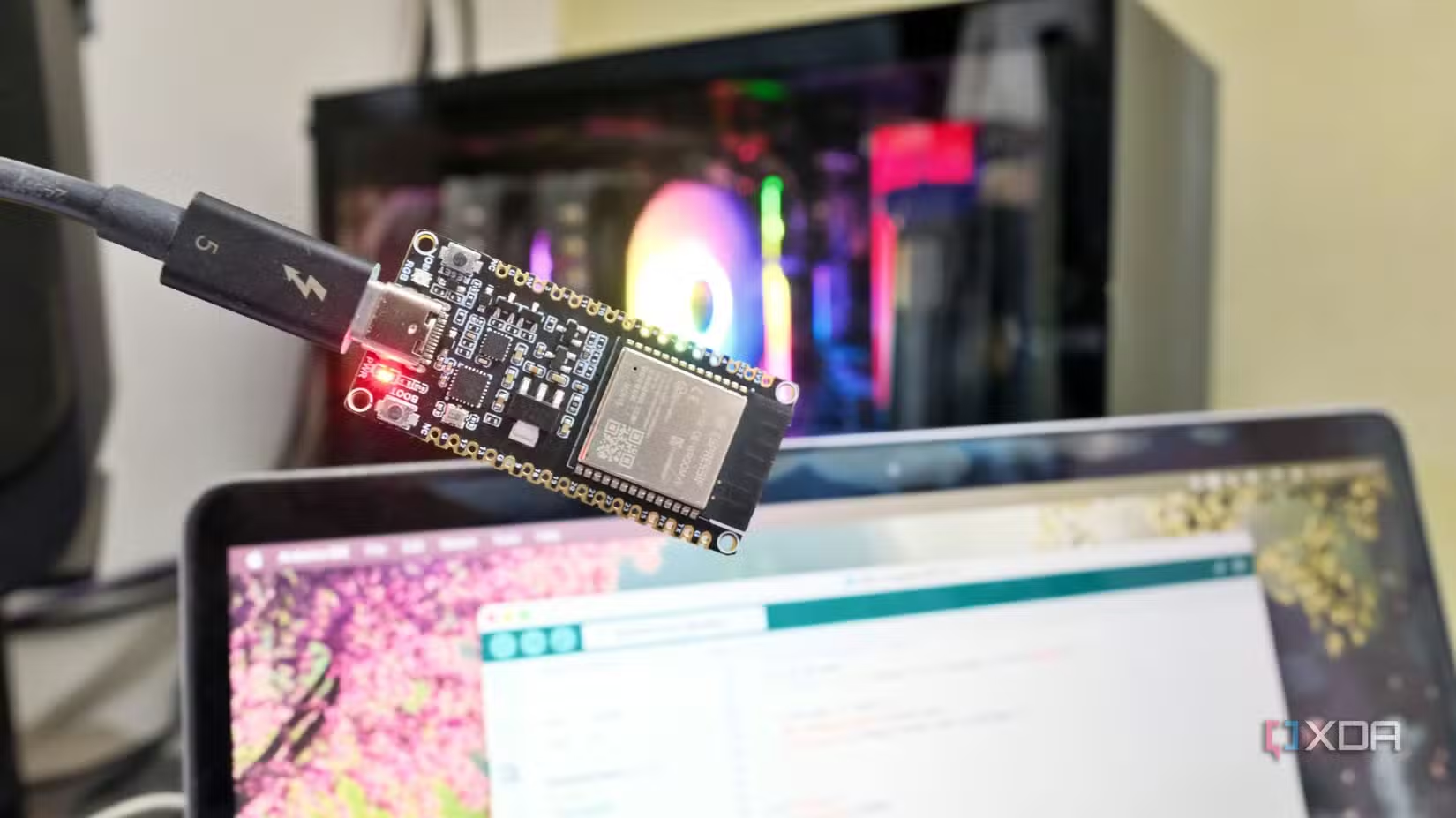
There is one network management perk that every media server owner should know about — Wake-on-LAN. It lets you remotely boot your server, so you don’t have to leave it running 24/7. That matters when your Jellyfin or Plex box is a full desktop drawing serious wattage.
However, the catch is that this feature requires an Ethernet connection. Magic packets over Wi-Fi are unreliable because most wireless adapters won’t consistently wake a machine from sleep. A wired connection is the one thing that makes this feature actually work.
Related
This tiny and cheap x86 mini PC is the best Jellyfin server you’re overlooking
Say goodbye to underpowered SBCs and noisy desktops. There’s a new contender in town for your Jellyfin server.
Know when to wire up — for reliability
Not every home server needs a cable, especially the ones with lightweight dashboards and a small collection of self-hosted apps. There’s no need to drill holes in the drywall for a server that sits mostly idle.
Once your home server is serving media in every room, running library scans overnight, and acting as your home theater setup’s backbone — that’s the machine you wire up.
When you do run that cable, make sure you know why you’re doing it. After all, it’s not always about gigabit speeds. The goal isn’t a faster server, but one that never gives you a reason to think about it.
-

iOS compatible
Yes
Android compatible
Yes
Desktop compatible
Yes
Jellyfin is one of the best Plex alternatives you can get, and that’s thanks to its open-source nature and powerful set of features. There are apps for basically every platform and it’s completely free to run your very own server.
-

OS
Windows, macOS, Linux
Individual pricing
Free, $6.99/month, $250/lifetime
Plex is the premier home media server software for replacing your streaming subscriptions.
Ref: https://www.xda-developers.com/home-server-needs-ethernet-but-not-for-the-reason-you-think/